Explore What Proxima Can Do For You

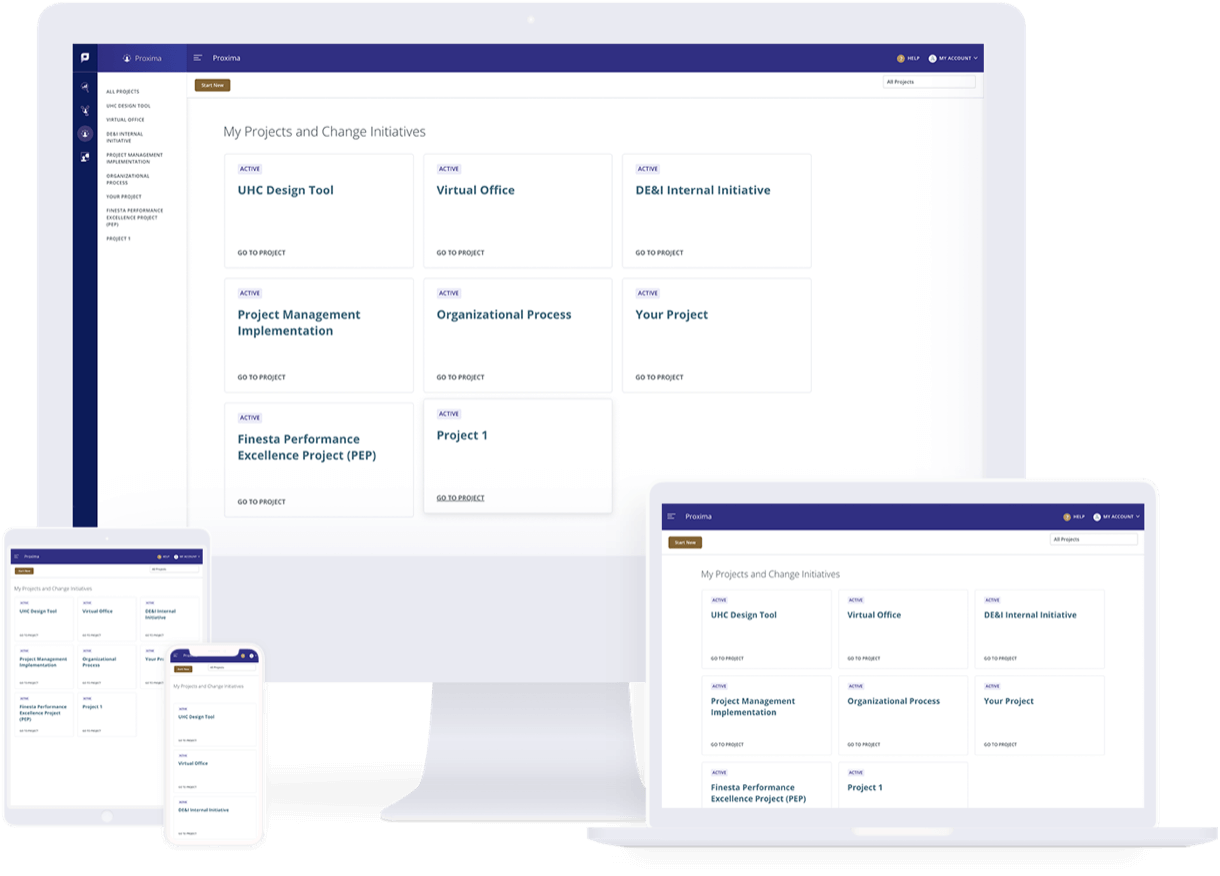
Proxima is Prosci's cloud-based change management tool that supports the application of the Prosci Methodology. It focuses on the people side of change by completing change activities throughout a project or initiative. Explore the resources below to learn more about Proxima and how you can use it to manage your change.

Proxima-Responsive-2 1-1

Video Tour of Proxima

Getting Started With Proxima

For an introduction to Proxima and to explore how easy it is to use, review the video series below.

Navigating Proxima

Discover tips and tricks for navigating Proxima, including configuring your side-nav, connected resources and collaboration.

Create a New Project

Get started faster using the New Project flow to capture and important critical project information.

Project Dashboard

This simple dashboard can help you prepare for weekly status meetings and easily report on your change management progress.

Proxima Learning Library

Proxima supports the application of the Prosci Methodology and guides you through key change management activities that will help you stay on track so you can deliver the results you need. The library below provides examples of how to conduct these activities in Proxima, plus offers additional content to support your process.


learning-library

PCT Assessments

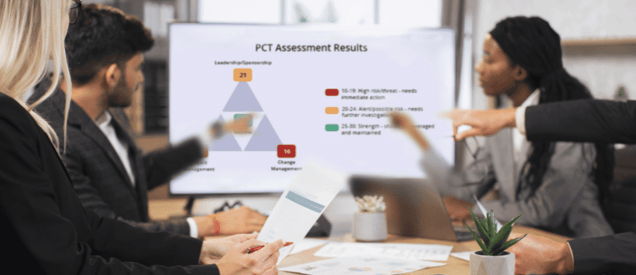
Prosci research reveals that PCT Assessment enables change practitioners in many ways—as a diagnostic tool, learning and guidance framework, collaborative approach for alignment and communications, and more.

Track Project Health

Track project health using the PCT Assessment. Conducting multiple PCT Assessments over the lifecycle of the project enables you to establish a baseline and monitor progress in project health.

Analyze Project Health

What? So what? And finally….now what? The PCT Assessment Analysis & Action tab provides guidance developed from research and practitioner experience, in order to provide users with actionable next steps after completing a PCT Assessment.

Projects and Initiatives - 6 mins
Research Shows 10 Ways Change Managers Use the PCT Assessment Today

Projects and Initiatives - 5 mins
Using the PCT Model to Diagnose, Treat and Monitor Project Health

4 P's

How do you introduce change management to the stakeholders of a project you're supporting? Leveraging the 4P's--project, purpose, particulars, and people--is a great way to help any audience see the connection between change management and achieving results

Leverage the 4 P's

Use the 4 P's template to capture critical details about the change including the project name, purpose, particulars, and people impacted. 

Projects and Initiatives - 4 mins
Connecting Change to Business Results With the 4 P's Exercise

Projects and Initiatives - 9 mins
Integrating Change Management and Project Management

Value of Change Management

Year after year, participants in Prosci's benchmarking studies identify greater recognition of the need for and value of change management as a top trend impacting the industry. Use Prosci's ROI of Change Management Model and capture the costs and risks of poorly managed change to make the case your business case for change management.

Making the Case for Change Management


Use the Value of Change Management template to capture important details that will help you make the case for why Change Management is important for your project.


Explore additional resources on the Value of Change Management

Prosci video icon-1On-Demand Webinar: Defining the Value of Change Management

 

Projects and Initiatives - 5 mins
The Case for Change Management: Results and Outcomes

Projects and Initiatives - 2 mins
6 References to Make the Case for Change Management

Impacted Groups

Defining and assessing impacted groups brings the change into focus at the individual level and provides clarity on what adoption and usage looks like so you can drive improved results and outcomes. 

Define Impacted Groups

Define impacted groups by identifying and creating and inventory of people/groups impacted by the change. 

Assess Impacted Groups

Discover ways to organize your Impacted Group data and create customized views that you can export and share out with others.


Organize Impacted Groups

Identify group considerations and define adoption and usage to inform the strategy to support the individuals and describe how each group will apply the change. 

ADKAR

The ADKAR Assessment is the resource practitioners use to get a snapshot of ADKAR scores for individuals or groups to guide change management activities, plans and adaptive actions. ADKAR Assessments are typically completed at multiple points in the project lifecycle. 

Conduct ADKAR Assessments

Easily schedule and complete ADKAR Assessments for multiple groups at once.

Risk Assessment

An effective change management approach is customized and scaled to meet the unique situation. The Risk Assessment, comprised of the Change Characteristics (size and scope of change) and the Organizational Attributes (change-ready of change-resistant) help you define the people risk of a change so you can customize and scale appropriately. 

Define the Risk of a Change

Complete a Risk Assessment at the overall project level and impacted group level in order to right size your change management approach.


Explore additional resources on Risk Assessments

prosci document iconThought Leadership Article: Why You Need A Change Management Strategy

 

Projects and Initiatives - 2 mins
Before You Act, Consider These Keys to Preparing for Change

Anticipated Resistance

Resistance is a natural response to change and can be destructive. When managed properly, however, resistance can be constructive and improve change outcomes. 

Capture Anticipated Resistance

In Proxima, capture anticipated resistance by impacted groups and identify tactics to help mitigate resistance, especially if you have a change resistant organization or are aware of resistant groups that may require more change management support. 

Projects and Initiatives - 4 mins
Resistance Checklist: Best Practices for Managing Resistance to Change

Projects and Initiatives - 8 mins
How to Manage Resistance to Desirable Change

Resources and Governance

Identify resources and team structures by defining or documenting the Governance Model structure and evaluating your Change Management budget to ensure you have sufficient resources to enable your change management strategy and approach.

Support Your Approach

Use Proxima to capture details of your Governance Model structure and budget to support your Change Management approach. 

Role Rosters

Building a role roster can provide clarity on critical change roles for a specific project and the people filling those roles so that we drive greater adoption and usage, improve project success rates, and boost ROI.

Identify and Manage Roles

Use the Role Roster in Proxima to identify and manage roles that will support the change success. 


Explore additional resources on Role Rosters

prosci document iconThought Leadership Article: Core Roles in Change Management

 

Projects and Initiatives - 6 mins
How to Effectively Build Out a Role Roster for Change

Roadmap

The Roadmap feature allows a practitioner to capture key project dates and align ADKAR milestone dates with the project, both at the overall change level and at the impacted group level.

Capture Key Milestones

Complete your Roadmap by adding key project milestone dates, ADKAR milestone dates. These will also show up in the Blueprints and Plans page and the Tracking Calendar.

Blueprints and Plans

Manage your Change Management activities using the Blueprints and Plans page to support your impacted groups through their ADKAR journey.

Create and Manage Change Management Activities

Identify and document the change management activities needed to support your impacted groups. Use the default views available, which include All Activities, ADKAR Blueprint and Core Plans, or configure activities in views that work for you.

Change Management Performance Reports

Track change management activities by evaluating progress to plan in completing the activities in your ADKAR Blueprints and Change Management Plans.

Track Progress to Plan

Use this section in Proxima to create performance reports that help track "progress to plan" of the ADKAR Blueprints and Change Management Plans.

Tracking Calendar

The Tracking Calendar is a static view of the key dates and milestones in the change management efforts. The information is pulled from various activities completed in Proxima.

View Your Change Efforts

On the Tracking Calendar are key project dates and ADKAR milestones, completed and scheduled PCT Assessments, completed and scheduled ADKAR Assessments and completed and scheduled progress reports.

Help Center

General troubleshooting articles and 'how to' FAQs related to the Prosci Portal and suite of Digital Products (Prework App, Proxima, Hubs, etc.)

Explore the Help Center